
Table of Contents
Importing a model from Safetensors weights
First, create aModelfile with a FROM command which points to the directory containing your Safetensors weights:
FROM ..
Now run the ollama create command from the directory where you created the Modelfile:
Importing a GGUF model
Ollama does not quantize GGUF models during import. Prepare and quantize them first with a GGUF tool such as llama.cpp’sllama-quantize.
To import a single-file GGUF model, create a Modelfile containing:
Modelfile, use the ollama create command to build the model.
Sharing your model on ollama.com
You can share any model you have created by pushing it to ollama.com so that other users can try it out. First, use your browser to go to the Ollama Sign-Up page. If you already have an account, you can skip this step.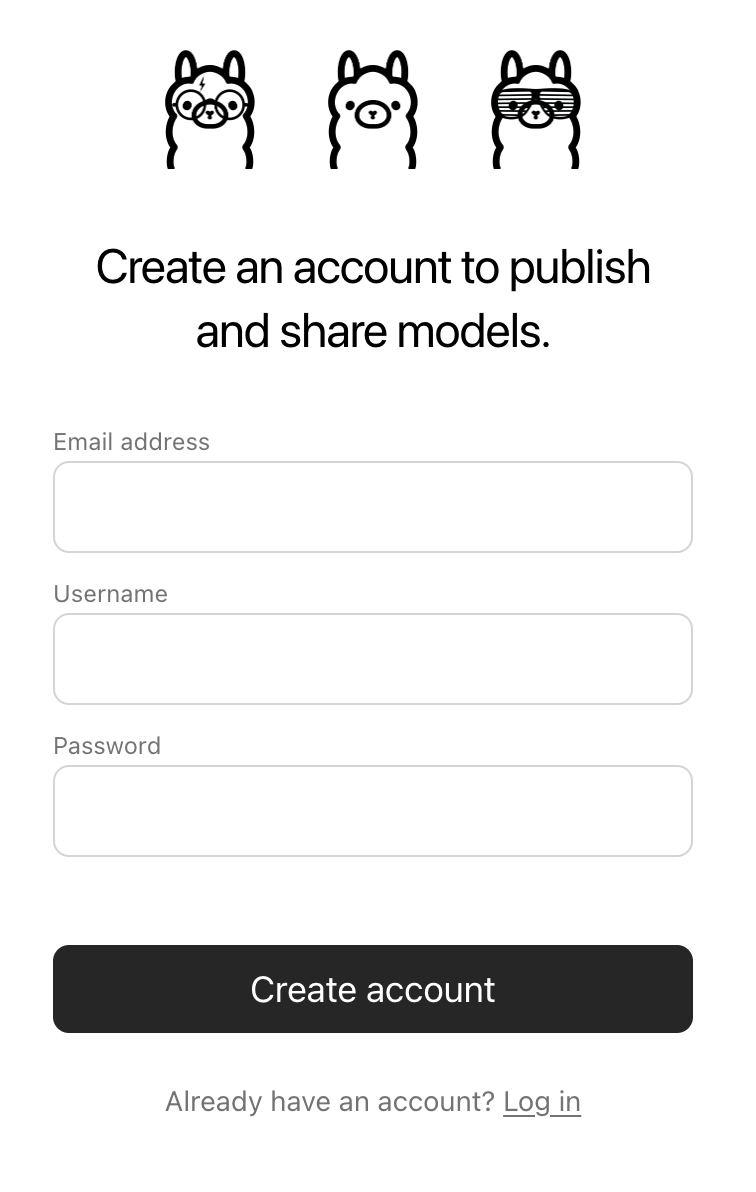
Username field will be used as part of your model’s name (e.g. jmorganca/mymodel), so make sure you are comfortable with the username that you have selected.
Now that you have created an account and are signed-in, go to the Ollama Keys Settings page.
Follow the directions on the page to determine where your Ollama Public Key is located.
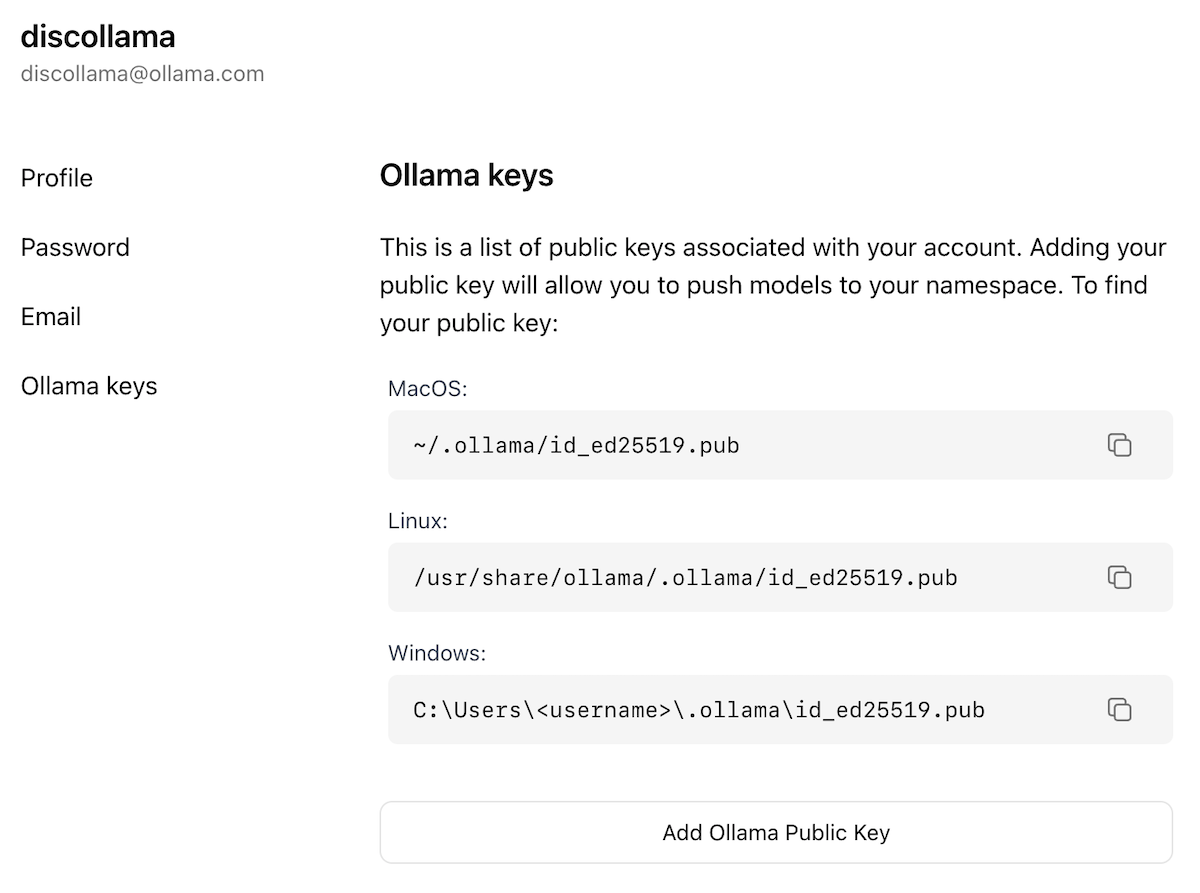
Add Ollama Public Key button, and copy and paste the contents of your Ollama Public Key into the text field.
To push a model to ollama.com, first make sure that it is named correctly with your username. You may have to use the ollama cp command to copy
your model to give it the correct name. Once you’re happy with your model’s name, use the ollama push command to push it to ollama.com.