

Codex App is OpenAI’s desktop coding agent for macOS and Windows. Ollama configures the app to use Ollama’s OpenAI-compatible endpoint, so Codex can work with local models and Ollama Cloud models in the desktop app.Documentation Index
Fetch the complete documentation index at: https://docs.ollama.com/llms.txt
Use this file to discover all available pages before exploring further.
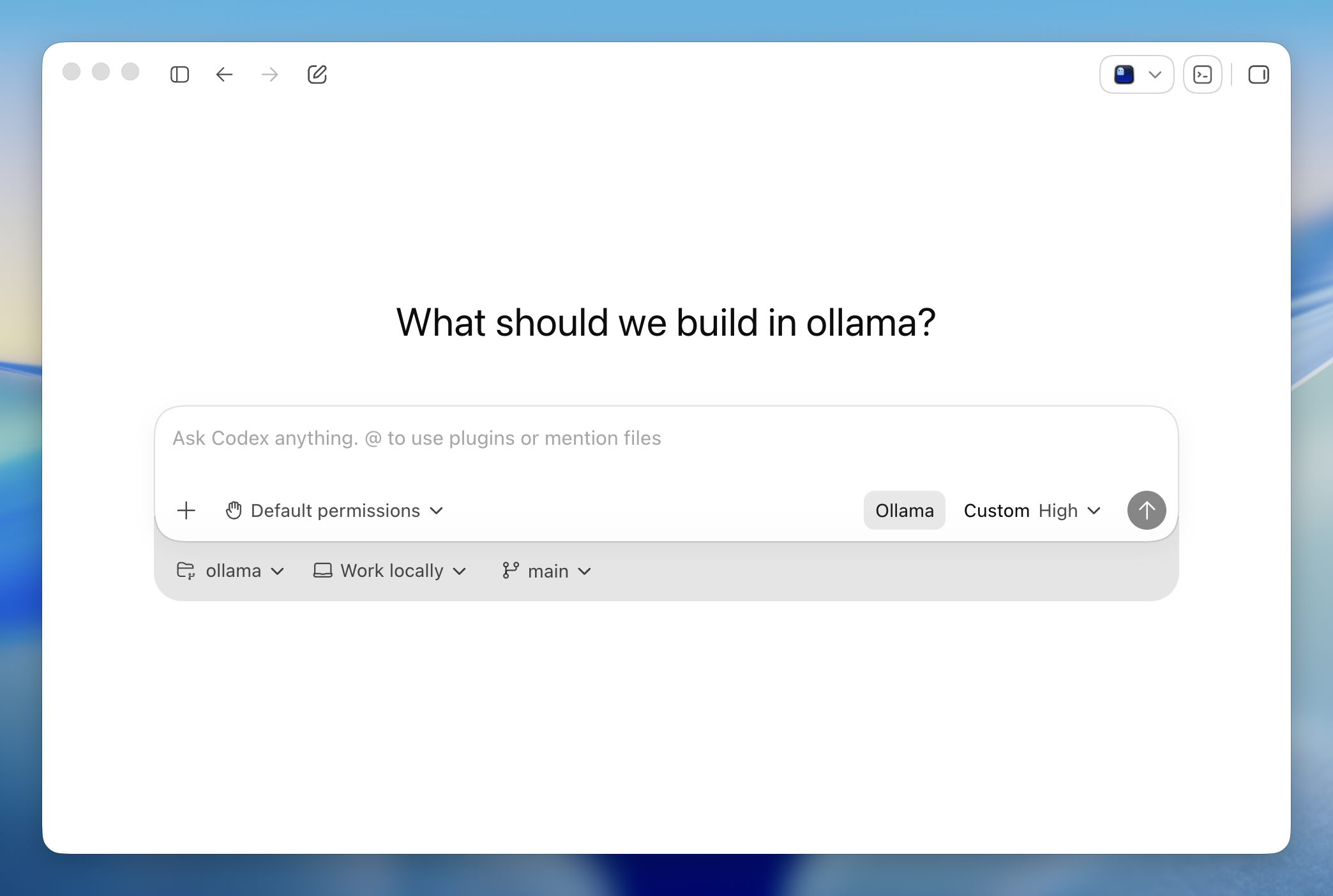
Install
Install the Codex App for macOS or Windows.Codex App support is available in Ollama v0.24.0 and newer.
Quick setup
Built-in browser
Codex App can open local servers and sites in its built-in browser. Annotate directly on the page to request changes.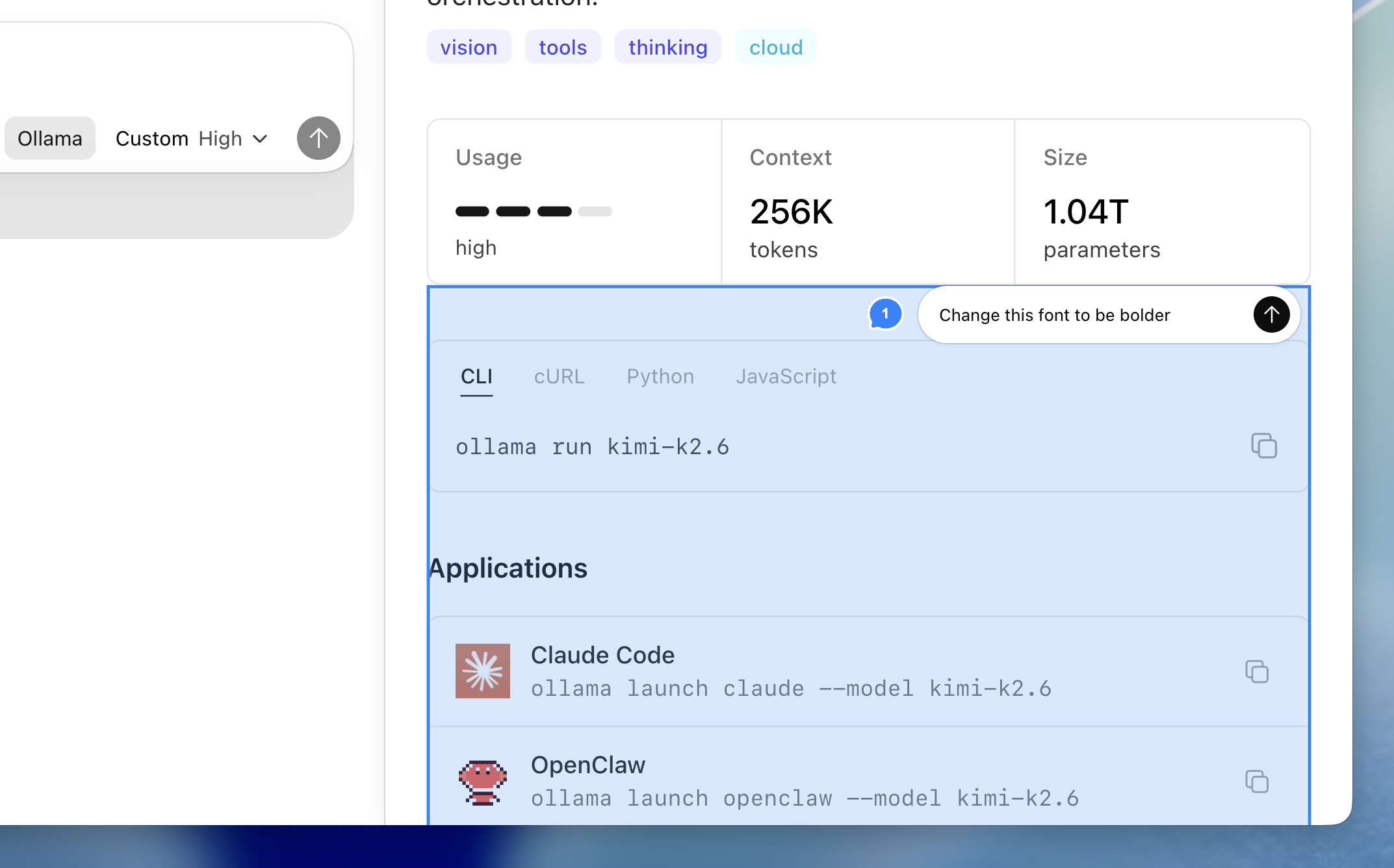
Review mode
Use review mode to inspect code changes, leave comments, and iterate on fixes without leaving the app.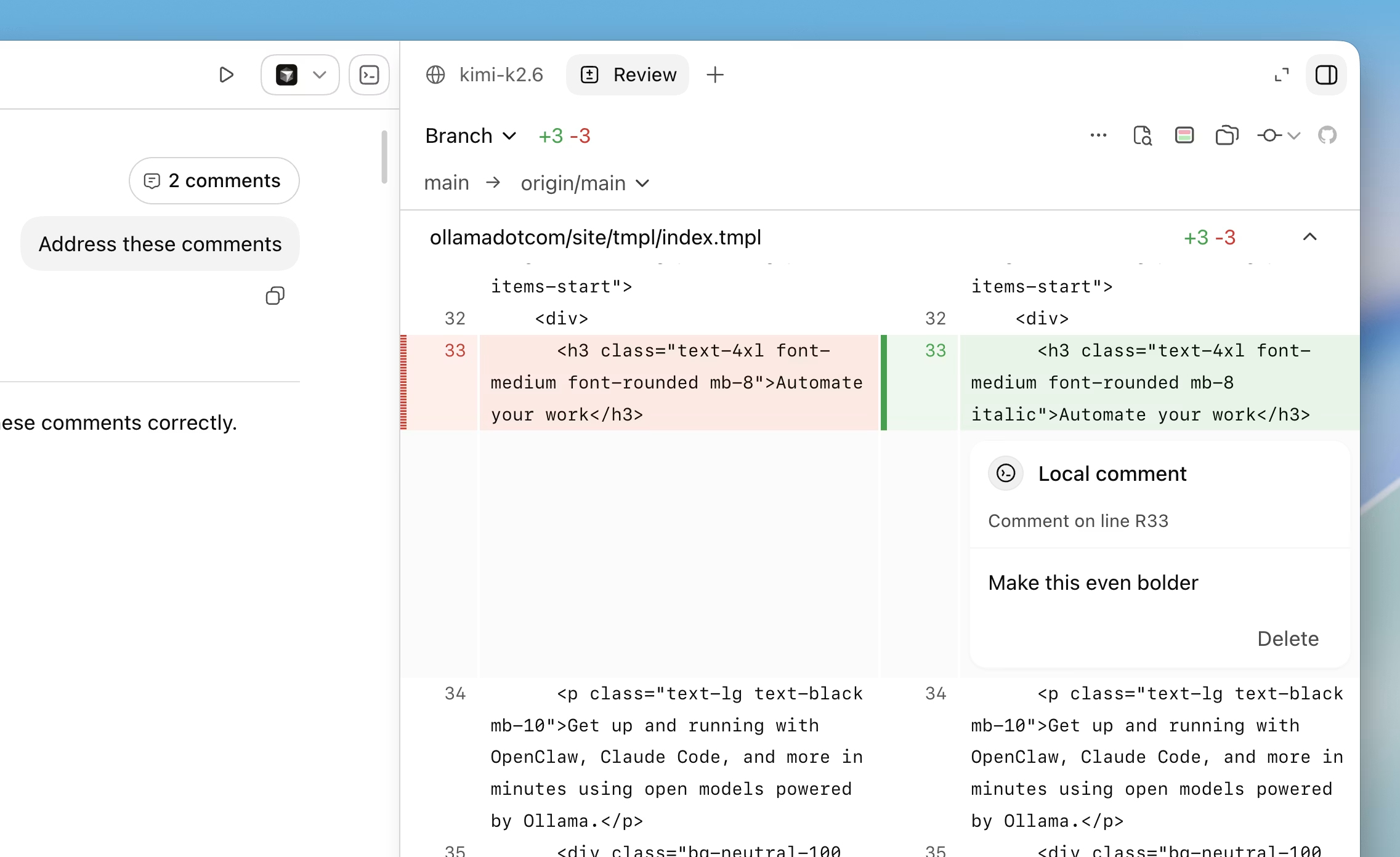
Run directly with a model
ollama launch codex-app is persistent and will have your model selected next time you open Codex.
Restore Codex App
To switch Codex App back to the profile you were using beforeollama launch codex-app, run:
ollama launch codex is left separate from the Codex App profile.
Before overwriting Codex App config files, Ollama Launch saves backups under ~/.ollama/backup/codex-app/. On Windows, ~ resolves to your user profile directory.
Troubleshooting
If Codex App does not open after setup, open Codex manually once and runollama launch codex-app again.
If Codex App is already running and does not switch models, allow Ollama to restart it when prompted, or quit Codex App and run ollama launch codex-app again.